
What are Unicode fonts?
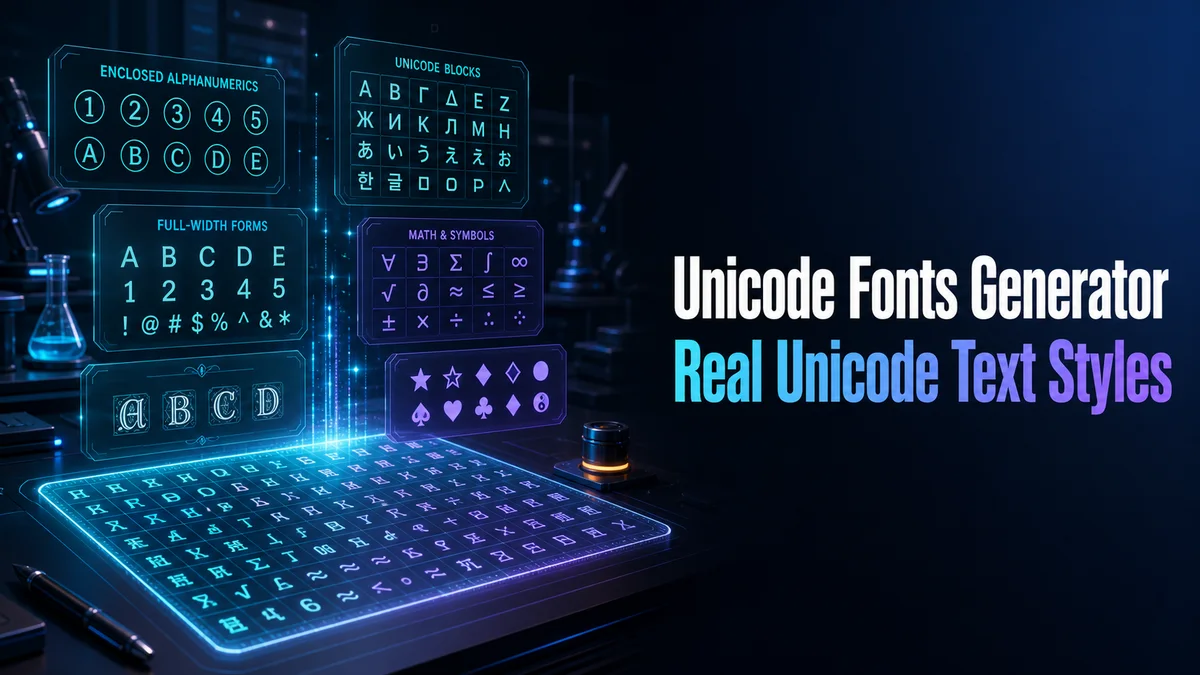
Unicode fonts in a text generator are characters from Unicode blocks that resemble bold, script, gothic, circled, or other letter styles. The tool creates a new string rather than changing a device font setting.
That difference matters for search, accessibility, and data fields. Use Unicode styling for short public text and keep machine-facing text ordinary.
How do you create Unicode styled text safely?
Unicode font tools create character strings that resemble styled letters. The result can travel between apps, but the same change can affect search, length, and accessibility.
Step 1: Keep a normal source phrase
Write the original text first and save it somewhere easy to edit. Unicode conversion changes the characters, so the original becomes your reliable copy.
Step 2: Choose a character family
Compare mathematical bold, italic, script, Fraktur, small caps, and frames. Pick a family that includes the letters and numbers your phrase needs.
Step 3: Inspect missing or changed characters
Read the full result instead of judging one sample letter. Check digits, punctuation, accents, and spaces because these often remain plain or behave differently.
Step 4: Test the receiving field
Paste the output into the real profile, name, or message field. Verify display, search, cursor movement, and saving before using the style in an important identity.
What should you know before using Unicode text?
A converted letter is a different character even when it looks like a normal letter. Copy the source phrase before choosing a style, because the generated result is not a font file you can edit later.
Check letters, numbers, punctuation, and spaces. A style can cover some characters and leave others unchanged.
Do Unicode font styles work in every app?
Display support depends on the app, device, and available fallback font. Combining marks can also affect cursor movement and length checks.
Paste the result into the final field and inspect it on another device. Use ordinary characters when the text must sort, search, or validate.
What are the advantages and limits of Unicode fonts?
Unicode styling works in fields that have no bold or font menu. It can add emphasis to a short profile label or caption opener.
It can reduce search matching and can be announced differently by assistive technology. Keep a plain version next to every public result.
What does Unicode styling change under the hood?
A real font changes how a stored letter is drawn. Unicode styling changes the stored character itself, often by using mathematical alphanumeric symbols or other lookalike forms. The result can look bold while remaining a different string to software.
That is why the output can appear in apps without a font menu and still cause trouble in search or validation. The visual effect travels with the characters, but the original plain spelling no longer sits underneath it.
- Use plain characters for IDs, links, and data fields.
- Use common styles when device coverage matters.
- Keep the source phrase for editing and accessibility.
Unicode fonts and assistive technology
Screen readers may announce the names of unusual Unicode characters rather than reading the word as ordinary language. That can make a long styled sentence tiring or confusing even when the visual result looks clear.
A practical pattern is to style one heading and keep the supporting explanation plain. The visual cue remains available, while the important information stays easier to read aloud and copy.
This also helps when someone copies the text into a search box, translation tool, or support form. They get a normal phrase for the useful information instead of a string of characters that may be announced one by one.
Tip: Unicode fonts are useful for short public-facing text, but they are still data. Keep a plain source, test the destination, and protect any wording that software or assistive technology needs to understand. Use the styled copy only where people need to see the visual effect.
How should you keep Unicode text useful after publishing?
Store the ordinary phrase with the converted string and the destination where it worked. That record protects future edits and gives you a fallback when a device changes its support.
Use the styled text as presentation, not as the source of important data.
Keep the ordinary phrase in an editable note and use the Unicode result only as the display copy. Test it on the destination device, then keep IDs, links, search terms, and data fields in plain characters.
What should you confirm before using Unicode Fonts Generator?
Use Unicode styling for a short public label, profile line, or display name. Paste it into the real destination and check that the characters render correctly on the device people will use.
Keep account IDs, URLs, spreadsheets, code, instructions, and searchable keywords plain. Save both versions so the visual copy never replaces important data.
Related tools: Fancy Letter Generator , Font Copy Paste and Fonts Converter .