
What is a fonts converter?
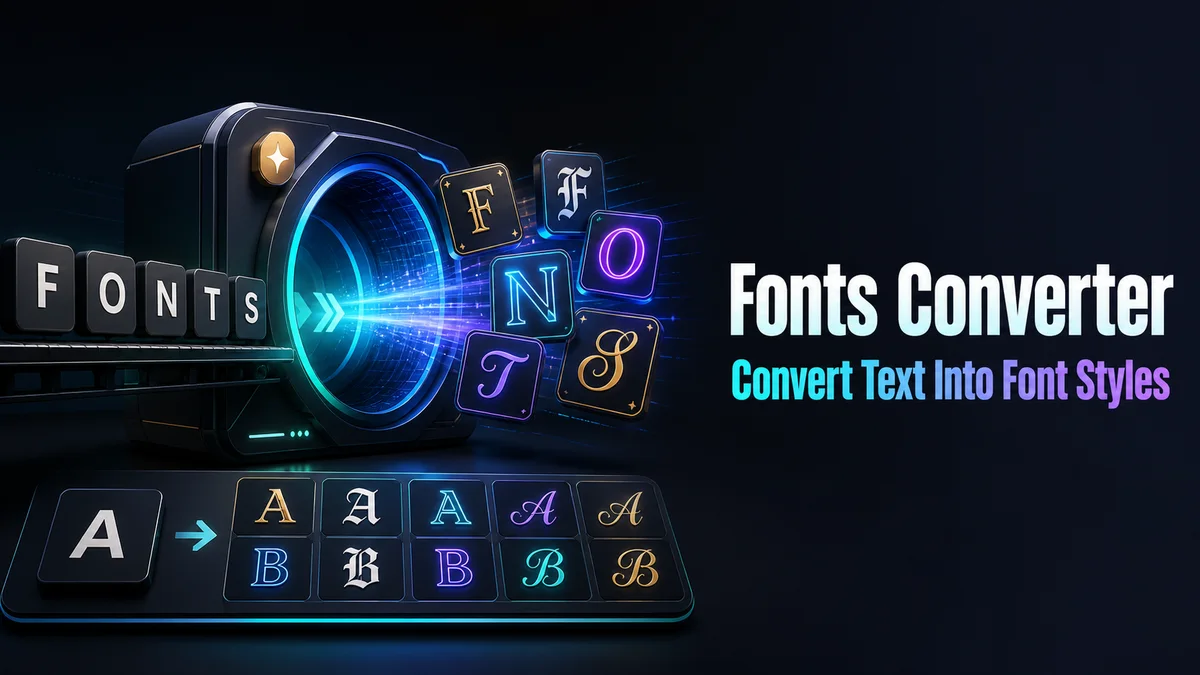
A fonts converter changes ordinary letters into copied Unicode characters that resemble bold, italic, gothic, script, or other text styles. It preserves the visible wording while changing the characters used to represent it.
The result works as a presentation layer for short public text. Keep the original phrase for fields that need exact matching or machine-readable data.
How do you convert plain text into a readable font style?
A text converter can change the visible character set quickly, but the plain phrase remains important for editing, search, and fields that process text.
Step 1: Write the source phrase
Enter the wording with correct spelling, case, accents, and punctuation. Treat this as the version you will reuse if the converted result needs an edit.
Step 2: Pick a conversion family
Compare bold, italic, script, Fraktur, small caps, wide text, and frame styles. Choose a family that suits the audience and the available field width.
Step 3: Check the character map
Review numbers, punctuation, and letters outside basic English. Some styles leave unsupported characters plain, which can change the visual rhythm of the phrase.
Step 4: Paste and verify the stored value
Use the copy control, then paste into the final destination. Confirm the saved result after the app reloads it, especially for a name or profile identity.
What should you check before converting text?
Enter the final phrase with its correct spelling, capitalisation, numbers, and punctuation. Then compare the complete result instead of judging one letter.
Keep the source phrase nearby because a converted string is harder to edit and may contain letters from several Unicode blocks.
Do fonts converter results work in every field?
A converter cannot override an app filter or add missing glyphs to a device. The receiving field decides whether the text saves and how it looks.
Test the result in the final profile, message, or name field. Use plain text for URLs, identifiers, forms, and search terms.
What are the advantages and disadvantages of a fonts converter?
Conversion is quick and can add a visual layer where no formatting tools exist. A short styled label often copies cleanly.
Conversion can reduce search matches and accessibility clarity. Keep normal text for practical information.
What does a text converter preserve and what does it change?
The converter preserves the meaning you entered, but it may change the code points used for letters and digits. The result can look like the same wording to a person while remaining a different string to search and validation systems.
That is why conversion suits a visual layer more than a database value. Keep product names, contact details, account IDs, and instructions in ordinary text when exact matching matters.
- Keep one plain source phrase outside the result card.
- Use common styles for broad device coverage.
- Treat combining marks as part of the length and display check.
Converted text and editing later
A small wording change can require a fresh conversion because the original characters are no longer easy to edit as normal text. This matters for bios, event dates, and recurring announcements that change often.
Store the plain copy with the final converted line. When the text changes, update the source first and generate a new result from the same clean version.
Before replacing the published line, compare the new version with the old one in the destination. Check that numbers, dates, and punctuation still look right and that the converted line has not become wider.
If the field has a character counter, trust the counter after pasting rather than the visible length of the phrase. Combining marks and unusual code points can use more space than they appear to use.
Tip: Convert short text when the visual effect helps the reader, then protect the original wording so the result remains easy to update and safe to reuse.
How should you keep converted text safe for later edits?
Save the plain sentence and the converted result together. If a platform rejects the first style, you can choose another without rewriting the content.
Treat the normal phrase as the source and the converted line as the display copy.
That separation keeps future edits simple. It also protects the original wording.
Proofread the normal sentence before converting it. Keep the source beside the converted copy, especially when the line contains numbers, links, or searchable terms that should remain ordinary.
What should you confirm before using Fonts Converter?
Use converted text for a short visual label, profile line, or display name. Paste it into the final field and check for boxes, changed spacing, or rejected characters.
Keep usernames, URLs, forms, code, dates, and searchable words plain. Save the normal spelling so you can switch back without losing the original wording.
Related tools: Fonts Changer , Unicode Fonts Generator and Font Copy Paste .