
What is an online font changer?
An online font changer creates a new text string with Unicode characters that resemble different fonts. It is useful for short public labels when the destination has no font menu.
It does not change the font inside a document or install a typeface on your device. Choose a real font for editable designs and documents.
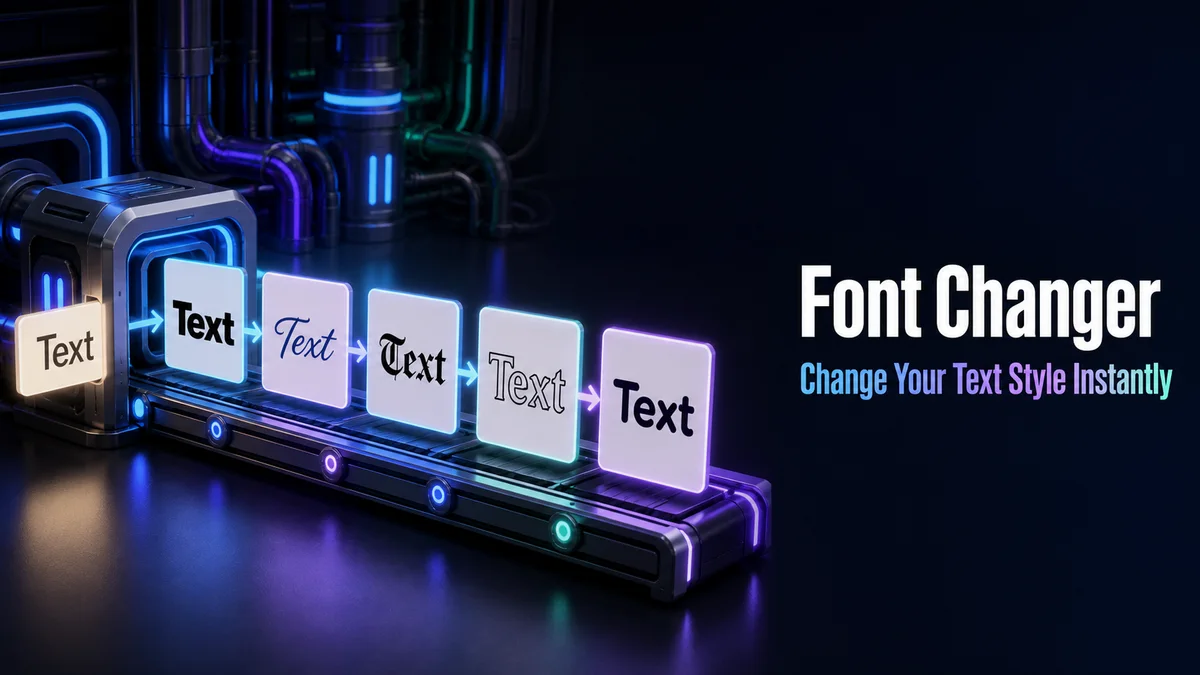
How do you use a font changer for copied text?
People use “font changer” for two different jobs: changing a typeface inside a design file and creating text that carries its visual shape into another app. Identify the job first.
Step 1: Name the final destination
Choose a document, graphic editor, profile, game field, or chat. A design file can use a real font, while a profile without formatting controls may need styled characters.
Step 2: Enter the short text
Type the final wording and check the case, numbers, and punctuation. Keep the source plain so it remains editable.
Step 3: Compare the visual treatment
Review letter styles and frames. Choose a result that matches the destination width and keeps the important word recognisable.
Step 4: Test editability and search
Paste the result into the final field and try selecting, searching, or editing it. If those actions matter, keep the plain version in the design or profile.
When should you use a font changer?
Use it for bios, captions, display names, short messages, and decorative labels. These fields are meant for people to read and often accept copied text.
Keep instructions, account data, URLs, and long documents in ordinary characters so they remain editable and searchable.
Do font changer results behave like real fonts?
They do not. The result contains different Unicode characters, not a formatting instruction. An app can display those characters with a different fallback font.
Use a document font when you need consistent shape, cursor movement, printing, or editing.
What are the advantages and disadvantages of a font changer?
The copied result works in places with no font controls and can create a quick visual heading.
It may reduce search, accessibility, and software matching. Keep the plain text as the source of truth.
A font change inside a file is different from Unicode text
A normal font change leaves the letters as the same text and changes the typeface used to draw them. A copy and paste generator creates different characters, which is why the style can move into an app with no font controls.
The convenient part is portability. The tradeoff is that search, sorting, spell check, cursor movement, and accessibility may treat the result differently from ordinary letters.
- Use a real typeface for documents and brand artwork.
- Use styled characters for short public labels.
- Keep machine-facing text plain.
When should a font changer stay out of the workflow?
Forms, account fields, spreadsheets, URLs, and instructions need predictable text. A visual substitute can pass a quick display check and still fail a later validation or make the value hard to recover.
A useful boundary is simple: style what people read for appearance, and keep what software processes in normal characters.
The same rule applies to shared documents. If a teammate needs to revise a sentence, copy a term into search, or use spell check, give them the plain source instead of asking them to work inside the converted result.
Tip: A font changer is helpful when the destination lacks visual controls, but it is not a replacement for a real typeface in an editable design. Choose the method that preserves the actions the text needs to support.
How should you choose between a Unicode font changer and a real font?
Choose copied Unicode text for a short public accent. Choose a real font when the words belong in a design file, document, or interface.
That distinction keeps the visual result useful without making the text difficult to manage later.
A plain source also helps another person edit the wording. It keeps the text ready for future changes.
Before you publish, compare the styled line with its plain source in the destination field so you can catch unsupported characters early.
Choose copied Unicode text for a short public label and a real font for a document or design file. In both cases, keep the normal phrase separate so you can edit it and use it in searchable fields.
What should you confirm before using Font Changer?
Use the font changer for a short profile label, decorative message, or display name. Paste it into the real field and check whether the destination accepts and shows the converted characters.
Keep documents, presentations, interfaces, links, and searchable text in a real font or normal letters. The generator changes characters, not the font setting of a design file.
Related tools: Fonts Changer , Font Copy Paste and Fonts Converter .