
What is a fancy text symbols generator?
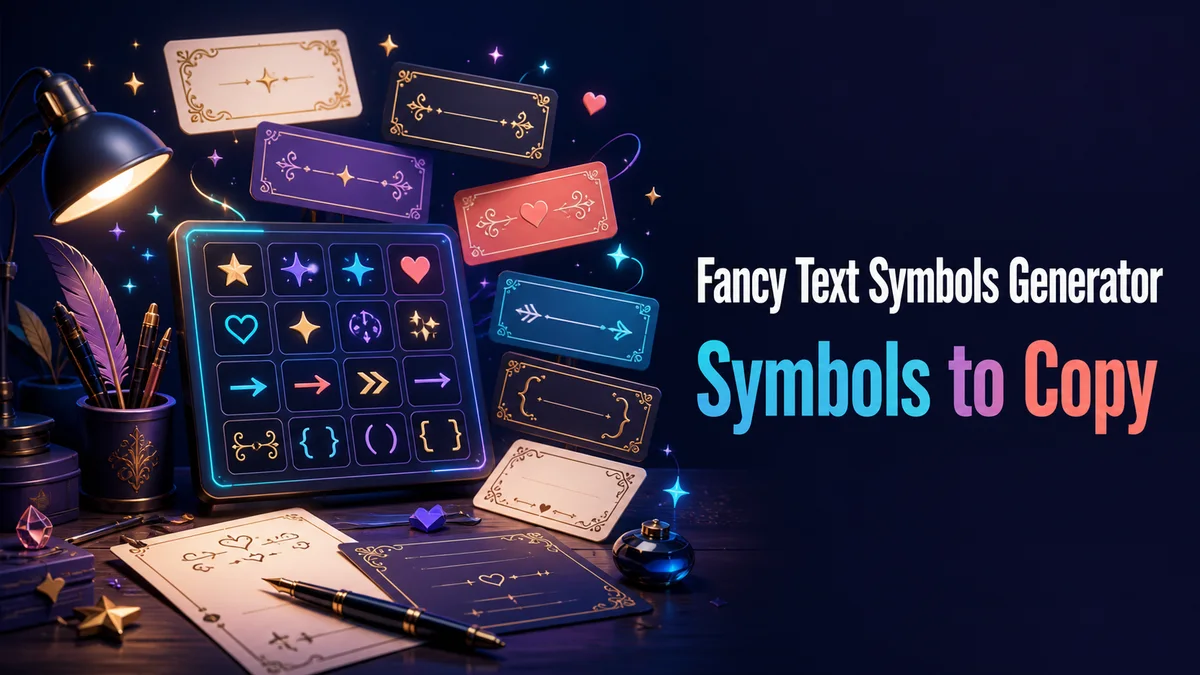
A fancy text symbols generator adds hearts, stars, brackets, dots, arrows, and other Unicode marks around a name or short phrase. The symbols create a visual boundary while the words remain copied text.
The useful result has one clear symbol pattern. A line becomes harder to read when unrelated marks compete with the phrase inside them.
How to use fancy text symbols without making text noisy?
Text symbols can frame a phrase, divide a bio, or mark a short heading. They work best when they support the words instead of becoming the main thing a reader has to decode.
Step 1: Write the phrase without symbols
Start with the name, heading, or message in ordinary letters. This gives you a clear version to compare with each decorated result.
Step 2: Choose one symbol pattern
Compare brackets, hearts, stars, dots, arrows, or soft marks. Use a matching pair when the phrase needs a clear boundary.
Step 3: Remove marks that do not help
Read the result with fewer symbols and compare both versions. Keep the one that is easier to scan at a glance.
Step 4: Test the final destination
Paste the result into the profile, message, game field, or caption where you plan to use it. Check spacing, filters, and rendering before publishing.
Which symbol style fits the text?
Hearts and soft marks suit personal or friendly lines, while brackets and bars fit tags, labels, and technical names. Match the symbol to the job of the text.
Use one pair around a short phrase. The frame should show where the phrase begins and ends.
Do fancy symbols work on every device?
A symbol can render differently on phones, consoles, and embedded browsers. Some marks become squares, shift position, or change the width of the line.
Paste the full result into the real field and check it on a second device. Choose a common bracket when the audience is wide.
What are the advantages and disadvantages of text symbols?
A frame can add mood without changing the letters, which keeps the base phrase easier to recognise. It is also quick to copy into a profile or post.
Too many symbols make the phrase look crowded and can consume a strict character limit. Keep names, links, and search terms plain.
How do symbols guide the reader?
A pair of symbols can show where a phrase begins and ends. This is useful for a short profile heading, community label, or game tag when the surrounding text is plain.
The same marks become distracting when they sit around every word. A frame should create order around the idea, not compete with the spelling inside it.
- Use one pair around a short phrase.
- Keep names and search terms ordinary when needed.
- Check whether the symbol is easy to recognise on mobile.
Why can symbol spacing change the result?
Some results add a separate mark to the letters, while a frame uses visible characters before and after the phrase. These approaches can affect length, cursor movement, and how the line is copied.
If the line feels uneven, remove the combining treatment first and try a visible frame. A simple pair of symbols is easier to edit and usually easier for another person to copy.
Tip: Fancy text symbols are most useful when they create a clear boundary around a short idea. Choose one pattern, keep the words visible, and remove every mark that makes the line harder to read. The simplest frame is often the easiest to copy and the most reliable across devices.
How to choose a symbol frame that lasts?
Compare the decorated phrase beside its plain version and remove any mark that does not clarify the line. A matching pair usually gives enough structure.
Keep the ordinary phrase in your notes so you can edit it without rebuilding every symbol.
Check the final spacing before you share the result.
Use symbols as a small piece of punctuation around the idea. If removing them makes the phrase stronger, the frame is doing too much. Check the result in the destination and on a second device when the frame includes unusual shapes or combining marks. Keep an ordinary version for searches, links, and forms. The most useful decorative text is quick to copy, easy to understand, and simple to reduce when a stricter platform requires plain characters.
What should you confirm before using Fancy Text Symbols Generator?
Use fancy symbols around a short greeting, heading, profile line, or label. Paste the result into the real field and check that the frame has a clear start and finish.
Keep names, links, search terms, dates, and instructions plain. Use one symbol pattern so the frame guides attention without changing the practical text.
Related tools: Fancy Game Tags Generator , Fancy Letter Generator and Fancy Name Generator .