
What is a gamer tag?
A gamer tag is the short group mark that appears beside player names in a squad, clan, or gaming team. It identifies the group quickly, so it must stay readable when the game shows a long username in a small list.
This Fancy Game Tags Generator creates copyable tag styles with frames, symbols, spacing, and letter treatments. Use the result as a team format, then test it in the real game field.
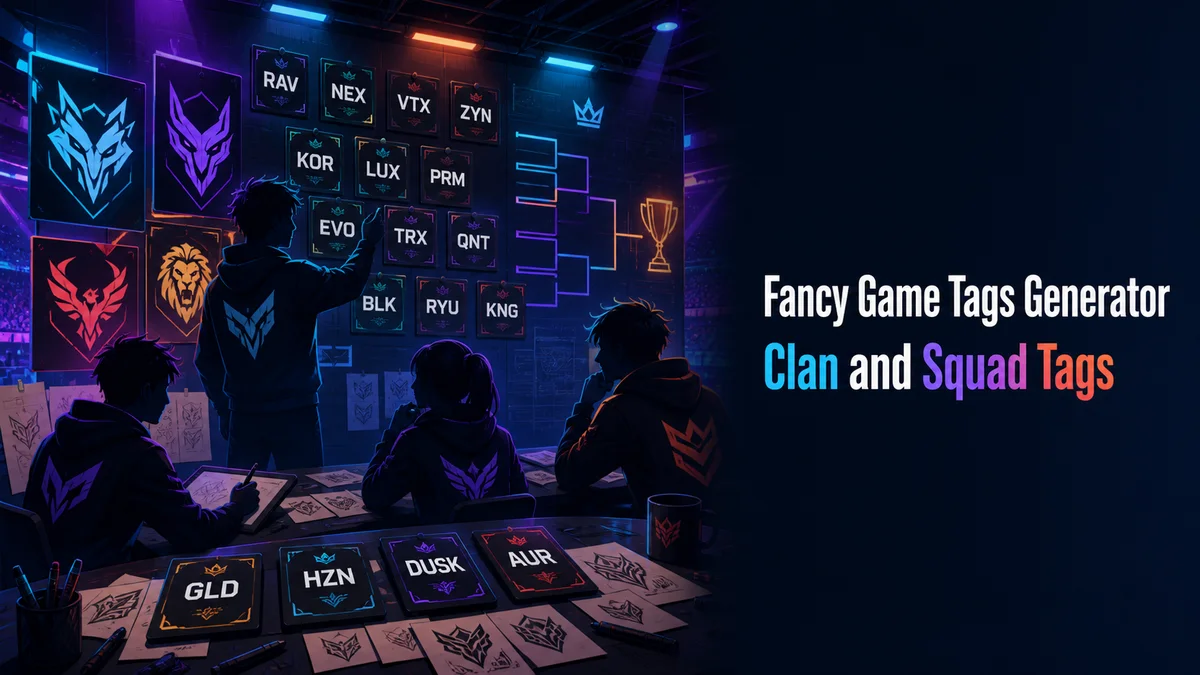
How to create a gamer tag using fancy text?
A shared game tag has to fit beside names of different lengths and stay identical when every player copies it. The design should help the squad stand out without hiding each username.
Step 1: Choose the short tag base
Pick the word or mark that represents the squad. Decide the exact spelling and case before anyone adds symbols.
Step 2: Test the longest player name
Place the tag beside the longest username in the roster. This shows whether the complete string will fit in the game field.
Step 3: Choose a frame everyone can copy
Use a bracket pair, dot, bar, or simple letter treatment. Every teammate should be able to type the same pattern from a written example.
Step 4: Read it in a match view
Check the tag beside short and long names in a lobby, scoreboard, or player list. If it blends into the username, reduce the decoration.
What should you keep in mind when creating a gamer tag?
Start with a short group idea that every teammate can spell and say. Decide the exact case, separator, and position before anyone adds decoration.
The tag shares space with the player name. Test it beside the longest likely username, because that view shows whether the team mark will crowd the identity.
Do all platforms support stylish text for gamer tags?
Platforms and games can accept different character sets. A bracket may save while a converted alphabet fails, and a tag that works in a profile may be refused in a rename field.
Paste the complete tag into the destination and inspect the lobby, scoreboard, and player list. Keep a plain tag for registrations and support forms.
What are the advantages and disadvantages of a stylish gamer tag?
A restrained frame helps opponents and teammates recognise the squad at a glance. It also gives every roster entry a shared visual rule.
Heavy symbols consume field space and can blend into the username. Rare letters may also make the tag difficult to type or search.
How should a squad record the exact tag format?
A team tag looks coordinated only when members use the same characters, case, and separator. Small differences make the group look inconsistent and can use different amounts of space beside a player name.
Write the agreed format in a simple note with one complete example. Include the plain tag, the styled version, and the placement rule so new members can copy it correctly.
- Test the tag beside short and long player names.
- Keep the squad mark readable in the match feed.
- Use ordinary letters in registration forms.
Why should the team identity come before decoration?
The tag has a practical job. Teammates, opponents, and spectators should recognise the group quickly, even when the screen is busy. Several unrelated symbols can make that signal weaker.
Choose one visual language and repeat it across the roster. Consistency gives the squad a stronger identity than adding a different effect to every player name.
Tip: A good game tag is easy to copy, easy to see beside a username, and clear in team records. Test the longest combination before the squad commits. Then give every player the same written example so the group identity stays consistent.
Ready to use your new gamer tag in-game?
Write one official example with the tag beside a player name and share it with the roster. Every member should copy the same characters and spacing.
Before the squad commits, read the result at match size. Keep the lightest version that remains visible beside both short and long names.
Before the squad commits, place the tag beside the longest likely username and ask another player to read it without copying. This catches crowded spacing and spelling mistakes. If the mark is clear in the smallest match view, keep that exact version for rosters, team sheets, and community profiles. A shared tag should make the squad easier to recognise while leaving every player name easy to read.
What should you confirm before using Fancy Game Tags Generator?
Use a fancy game tag beside each player name after testing it with the longest username. Share one exact example with the roster and read it in the lobby or scoreboard.
Keep the plain tag for registrations, team sheets, searches, and support. Use the styled version only when the game accepts it and the squad mark stays visible.
Related tools: Fancy Games Username Generator , Fancy Text Symbols Generator and Stylish Name Maker .